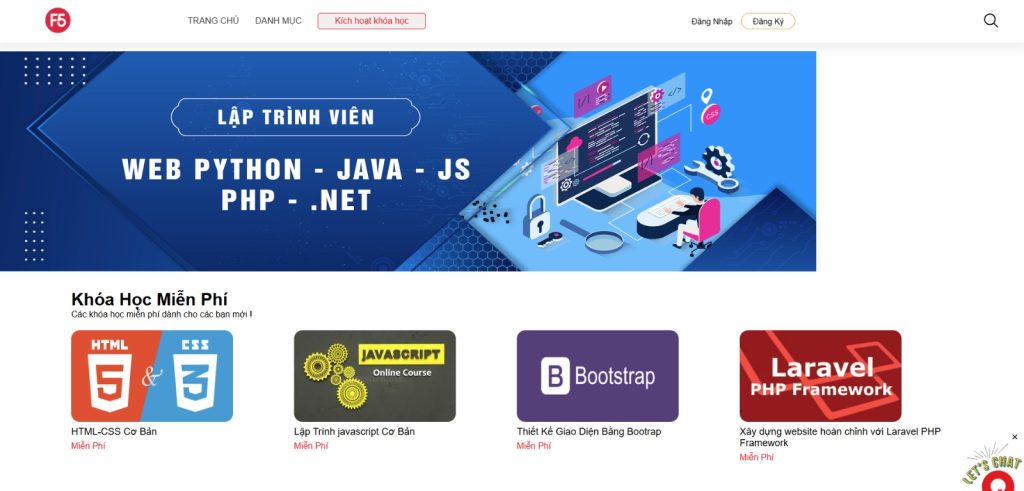



The self-paced LMS
E-Commerce & Payment Gateways:
Supports shopping carts, discount coupons, monthly/annual subscription models, or pay-per-course purchasing.
Integration with local payment methods (Momo, VNPAY, automated bank transfers) and international processors (Stripe, PayPal).
Multimedia Learning Player:
Supports secure video playback (utilizing HLS/DASH streaming encryption to prevent unauthorized downloads), text-based materials (PDFs, presentation slides), and file attachments (source code, design templates).
Auto-save Progress: Automatically saves learning progress down to the exact second. If a user closes the app and opens it later on a different device, they can resume instantly right where they left off.
Drip Feed Content: Enforces sequential learning by only unlocking the next lesson after the user completes the previous one or hits a minimum watch-time threshold.
Diverse Assessment Formats (Quizzes & Assignments): Supports multiple-choice, fill-in-the-blank, drag-and-drop questions, or open-ended practical assignments (uploading code repositories, design assets, etc.).
Question Bank & Randomized Tests: Allows instructors to build deep pools of categorized questions. The system can automatically shuffle and extract a designated number of random questions to generate a unique exam paper for each student, severely mitigating cheating.
Passing Criteria Configuration: Ability to set specific benchmarks for success (e.g., scoring $80\%$ or higher to pass).
Time Out & Attempt Limits: Configures dynamic countdown timers per exam (e.g., 45 minutes) and limits the number of retry attempts (e.g., maximum of 3 attempts; if failed, the student must retake the module or wait 24 hours).
Dynamic Certificate Generator: Automatically populates the Student’s Name, Course Title, Completion Date, and a Unique Certificate ID into a pre-designed template, exporting it as a high-resolution PDF or image file.
Credly API Integration (Automated Badge Issuance):
As soon as a learner triggers the “Claim Certificate” event, your backend system fires an API request containing the student’s Full Name, Email, and the predefined Badge Template ID to the Credly Acclaim API.
Credly instantly dispatches an automated notification email to the student: “You’ve earned a badge from [Your Platform Name]”. From there, the student can accept the badge and seamlessly share it directly to LinkedIn, Twitter, or embed it into their digital resume.
Public Verification Portal: A non-authenticated, public web route where employers or third parties can input a student’s
Unique Certificate IDto immediately verify authenticity (returning details like Valid Certificate, issued to John Doe on MM/DD/YYYY).
Tech Stack: Unity